
How GameGrid works
A guided reference for every screen in the app. Pick the area you want to learn about — open a row to read what it is, what it’s for, and how to use it.
Dashboard
Your home base. Schedule, top signals, signal counts, and the day's slate at a glance.
Schedule

The strip of upcoming match days, anchored on today. Each pill is one date.
Scan the week at a glance and time-travel — look ahead to plan, back to review what hit.
Tap any pill to load that day's slate. Tap the calendar icon for arbitrary dates beyond the strip.
Today at a Glance
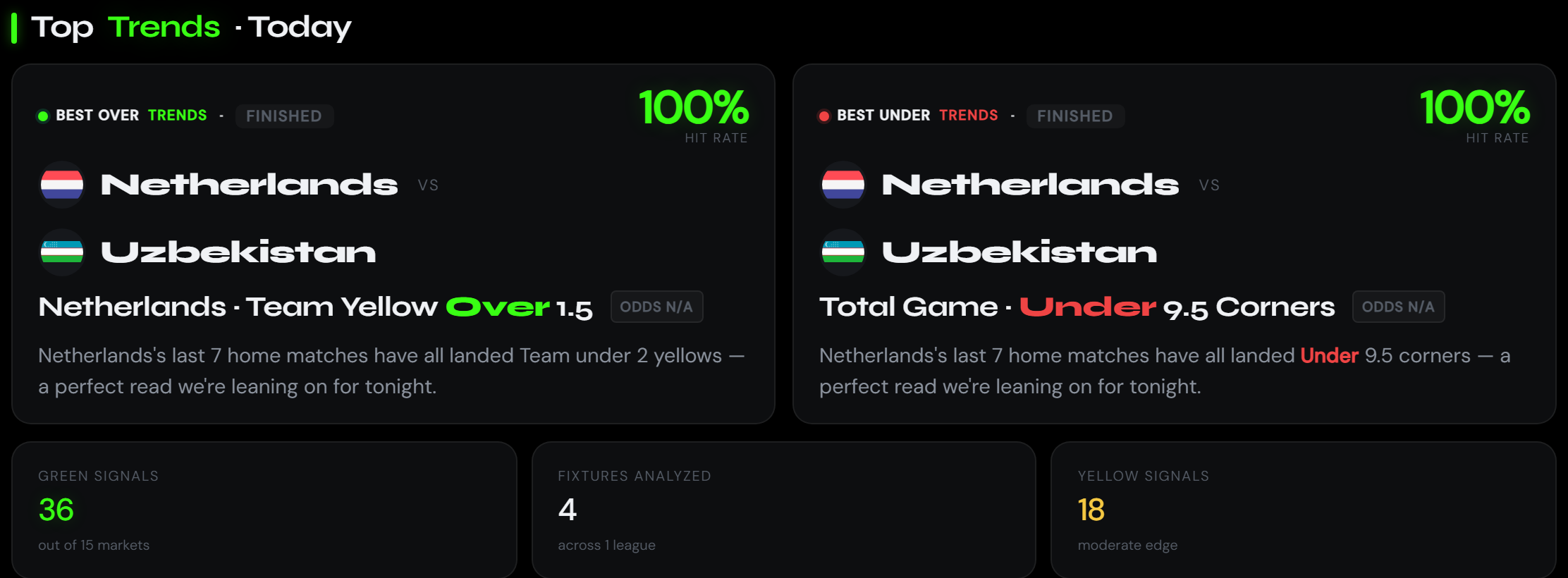
The day's strongest Over and Under signals, plus a quick read on Green / Yellow signal counts.
Show you the clearest value plays for the slate so you know where to spend research time.
Tap any card to open the full fixture — trends, sim, breakdown, and every book's price side-by-side.
Top Insights
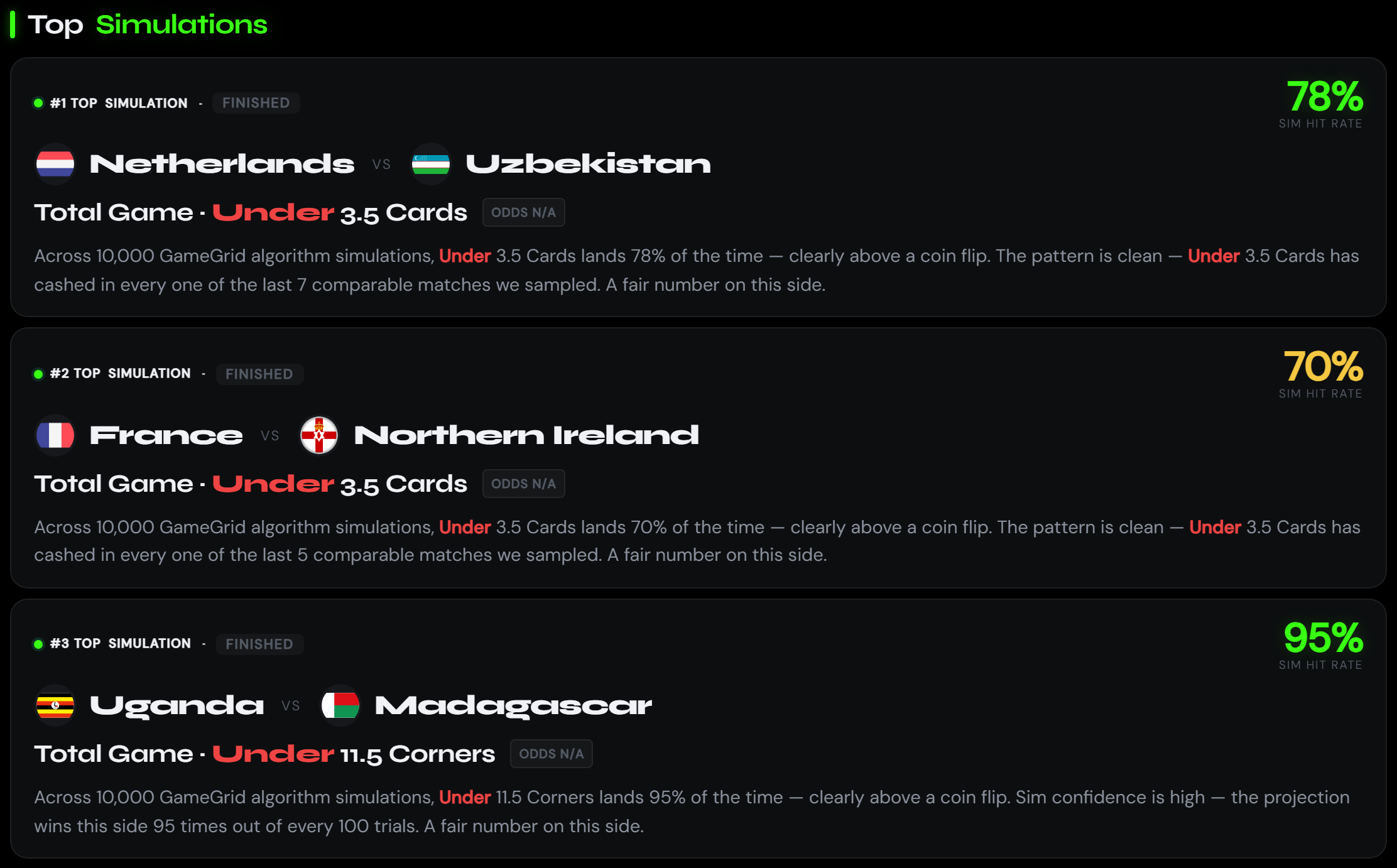
A ranked feed of the day's strongest signals — hero card on top, runner-ups below.
Bubble up the single best research angle for the slate so you don't sift through every fixture.
Tap any row to dive into that fixture and see why the algorithm liked it.
Today's Games

Every match playing on the selected date, grouped by league, with a color-coded signal candle on each row.
One-glance read of what's worth watching today across every league you follow.
Tap any match to open the full fixture — trends, lineups, simulation, and book comparison.